Use of GhostDoc—auto commenting tool for C#

Documentation comments in C# exist in an awkward position. The language supports XML doc comments natively, Visual Studio can generate IntelliSense from them, and tools like Sandcastle can turn them into API documentation. Yet most codebases I have seen treat them as optional—something you add when you have time, which usually means never.
GhostDoc addresses this by generating a first-draft comment from the method signature and its parameter names. Press Shift+Ctrl+D on a method definition and the tool infers what the method probably does from how it is named, then writes the XML accordingly. The result is not always accurate—it depends entirely on having meaningful names in the first place—but it removes the blank-page problem that makes documentation feel like overhead.
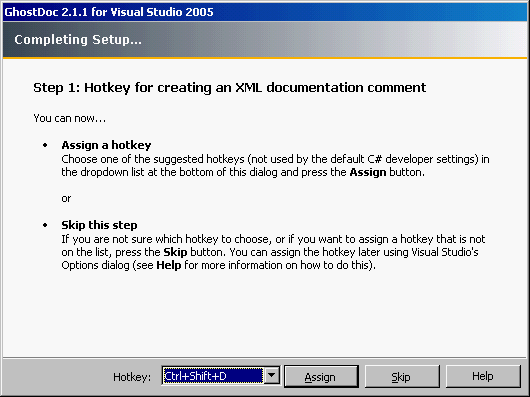
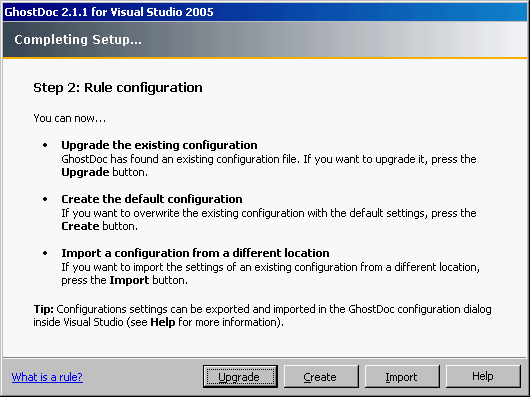
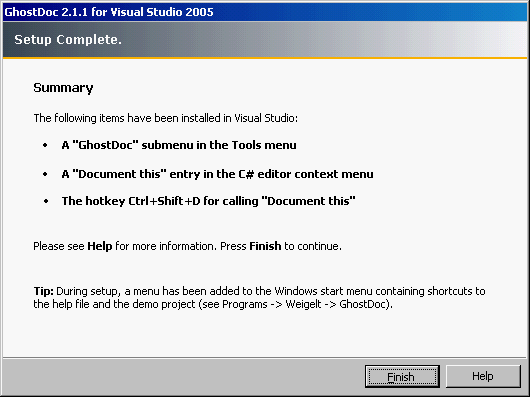
Installation and setup. After downloading the Visual Studio 2005 plugin from roland-weigelt.de/ghostdoc, installation is a standard wizard process. The default keyboard shortcut (Shift+Ctrl+D) is sensible and does not conflict with common bindings.
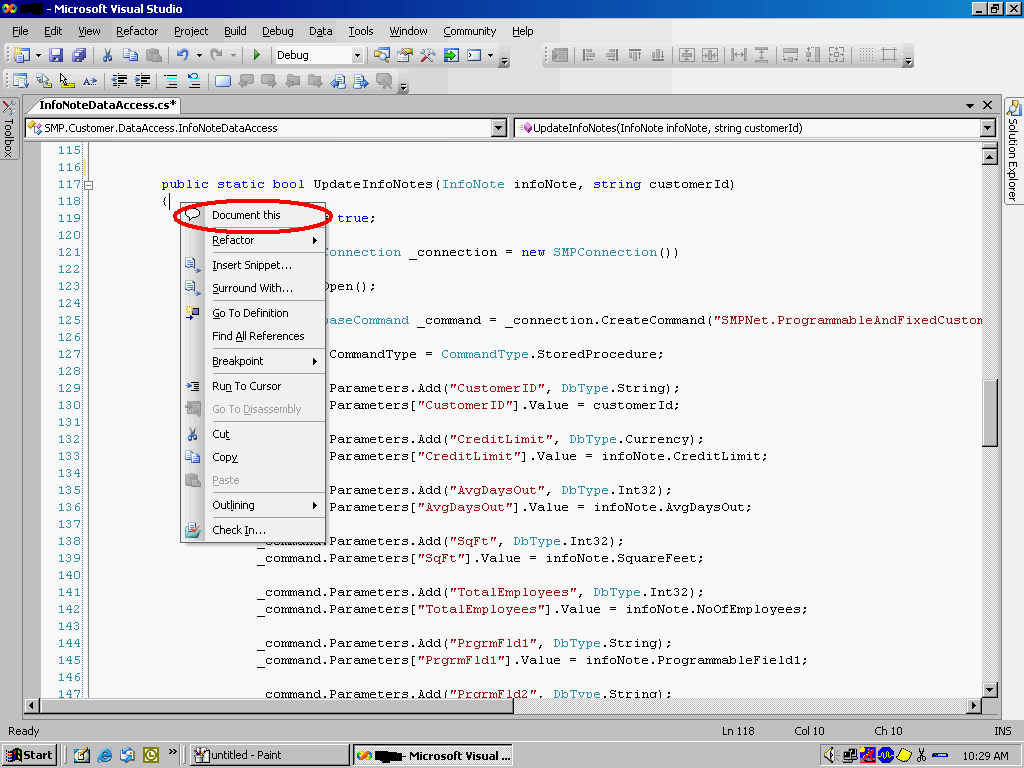
Using it. Open any Visual Studio project, place the cursor inside a method or event definition, right-click, and select “Document This” (or use the keyboard shortcut). GhostDoc inserts a populated XML comment block above the member.
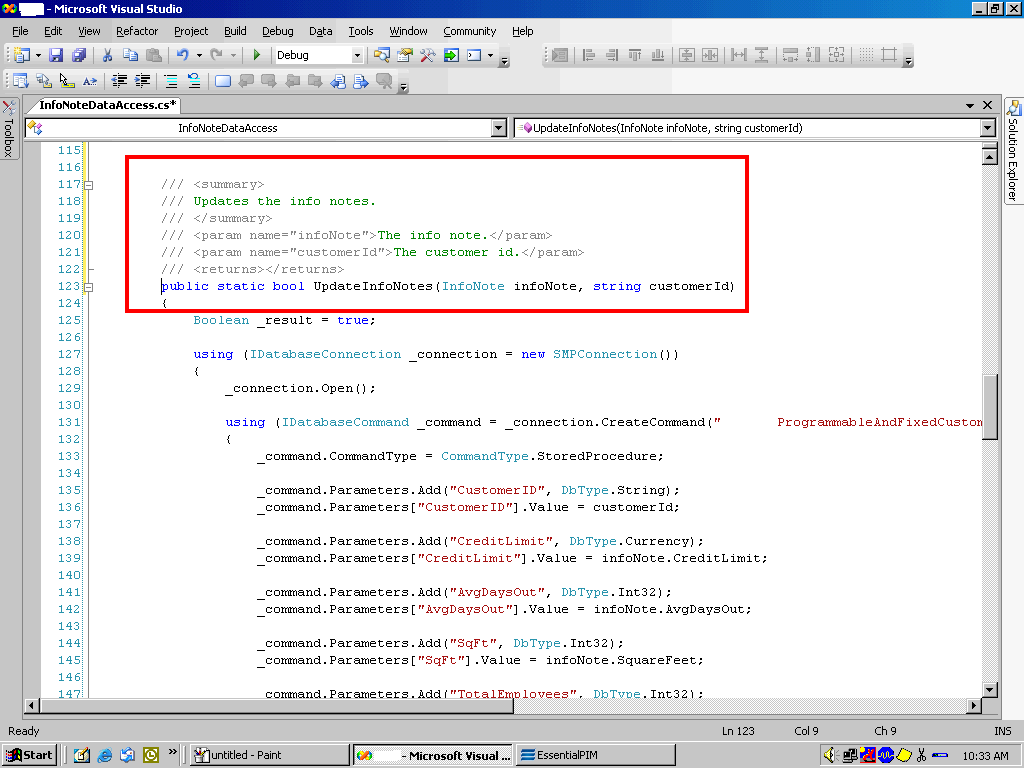
What it does well. Uniform comment structure across a codebase—even if the content is thin—is genuinely valuable. It removes the inconsistency between a method that has a three-paragraph comment and one that has nothing. It also applies to methods, events, and properties, covering the most common documentation targets.
Its limits. GhostDoc cannot document class-level concerns or field members. More importantly, it cannot generate meaningful comments from poorly named code. A method called Process() with parameters named x and y will produce a comment that tells you nothing useful. The tool surfaces this problem rather than hiding it, which is arguably a feature—if GhostDoc cannot figure out what your method does, neither can the next developer.
The right frame for a tool like this is not automation of documentation but reduction of the activation energy required to start it. Good documentation still requires a human who understands what the code is actually doing. GhostDoc handles the scaffolding so that human can spend time on the substance.